CPOE · Computerized Provider Order Entry
Lab orders that arrive coded, checked and ready to bill
Providers order the right tests from inside their EMR or LIS. Every order leaves with its CPT and ICD-10 codes, checked against Medicare coverage rules.
Works where you already order
- EMR / EHR
- LIS
- Provider portal
- HL7
- FHIR
- API
CPOE Walkthrough
One connected workflow for faster ordering, cleaner coding, and stronger reimbursement.
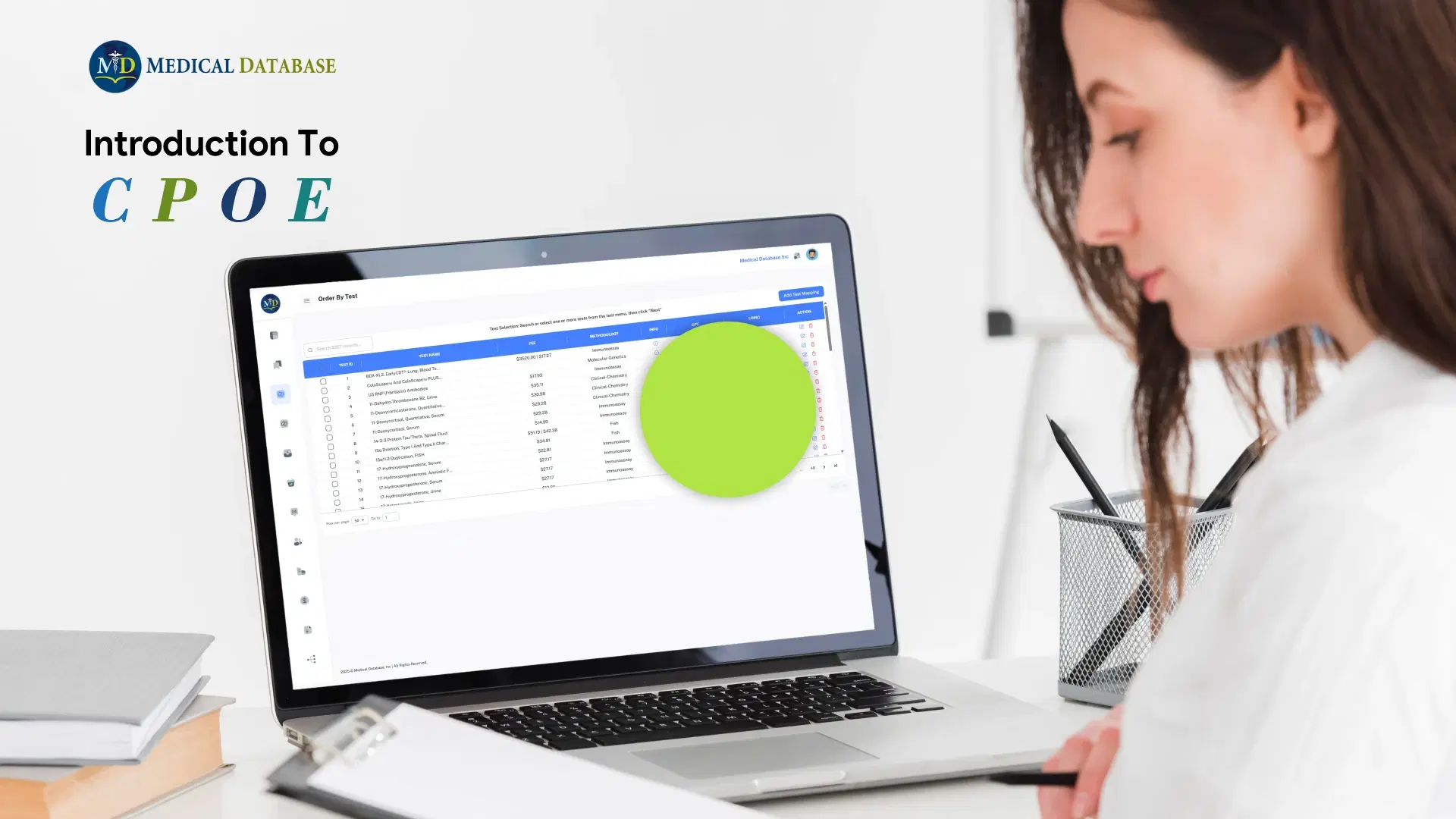
See how CPOE streamlines lab test ordering across EMR, LIMS, and EHR systems, helping providers place evidence-based orders with accurate CPT and ICD10 coding, built-in medical-necessity checks, and better reimbursement support.
The Problem
Most medical necessity problems start at order entry
An order placed without a supporting diagnosis code, or outside the Medicare LCD or NCD that applies, travels with the specimen through billing and comes back as a denial, when it’s expensive to fix.
CPOE moves those checks to the moment the provider places the order, when the fix takes seconds.
26.2%
of one payer’s 294,870 lab claims used a “Z” diagnosis code that needed extra codes to justify the test.
Source: (Leblow, Hamill & Beqaj, 2019)
$2.95M
in claims estimated to be at risk of denial because of those codes.
Source: (Leblow, Hamill & Beqaj, 2019)
10.7%
of the same claims didn’t meet Medicare’s coverage rules for the test.
Source: (Leblow, Hamill & Beqaj, 2019)
How It Works
A clean order in four steps
Every order leaves coded and checked against Medicare coverage rules, so problems are fixed in seconds, not after a denial.
Step 1: Order where you work
Use CPOE inside your EMR, LIS or provider portal, or on the web.
Step 2: Pick the tests
Search 2,300+ tests, or start from a saved panel.
Step 3: Add the diagnosis
Choose the ICD-10 code. The LDS® score shows right away whether the test fits.
Step 4: Check and submit
CPOE checks Medicare coverage, then sends the order to the lab. Add Eligibility Check to verify insurance too.
What you get
Everything checked before the order leaves
CPOE puts LDS® scoring, coding and coverage checks into the ordering screen.
Order inside your own system
Providers order from a connected EMR, EHR, LIS or provider portal, or from the CPOE web interface.
CPT and ICD-10 on every order
Each test carries its CPT code, and each diagnosis its ICD-10 code, with no manual lookup.
Medicare coverage checks
Every test and diagnosis pair is checked against the Medicare LCD or NCD that applies, before submission.
LDS® scores at the point of order
Each test shows its 0–10 score and testing indication, so low-relevance choices stand out.
Custom menus and saved panels
Set up your test menu and disease-specific panels, and save panels to reuse.
Eligibility Check built in
Add Eligibility Check to confirm the patient’s active coverage from the same requisition.
Sample Output
A CPOE requisition summary
Before an order is submitted, CPOE shows every test with its disease, testing indication, LDS® score, ICD-10 code and applicable Medicare policy.
| Test ID | Test name | Disease | Indication | Score | ICD-10 | LCD | NCD |
|---|---|---|---|---|---|---|---|
| 678 | Complete Blood Cell Count (CBC) | Colorectal cancer | Screening | 10 | C18, Z12.11 | — | 190.15 |
| 684 | Comprehensive Pharmacogenetics (PGx) Panel | Colorectal cancer | Alternative | 9 | C18.2 | 57486, 57581, 57858, 57901… | — |
| 1375 | Iron, Serum | Colorectal cancer | Alternative | 8 | C18.2 | — | 190.18 |
| 1403 | KRAS Gene Mutation Analysis | Colorectal cancer | Diagnostic | 10 | C17.0, C18.0 | — | — |
| 2328 | Vitamin D, 25-Hydroxy, Total | Vitamin D deficiency | Screening | 10 | E55.9 | 57484, 57718 | — |
Example scores and Medicare policies for California, checked with our Medical Necessity Check. Coverage policies vary by state and change over time; always confirm against current CMS policy.
Who It’s For
Who CPOE is for
Physician practices and clinics
Order the right tests, with the right codes, without leaving your EMR.
Learn moreHospitals and health systems
One coded, scored ordering workflow across every department.
Learn moreClinical laboratories
Outreach orders that arrive complete and billable, with no follow-up calls.
Learn moreEMR and EHR vendors
Add scored test selection and medical necessity checks to your order entry.
Learn more
Integrations
Integrates with your EMR, EHR and LIS
CPOE is designed to integrate with EMR, LIMS and EHR systems and provider portals, so ordering happens inside the tools your team already uses.
Interfaces
Connect through HL7 or FHIR interfaces, or through our API. Custom integration is available for EMR/EHR, LIS and provider portals.
- HL7
- FHIR
- API
- Provider portal
Code sets on every order
Orders carry the codes payers and labs need, with no manual lookup.
- CPT
- ICD-10
- LOINC
- Medicare LCD
- Medicare NCD
Systems we can integrate with
CPOE can integrate with EMR/EHR platforms including:
- Allscripts
- athenahealth
- Epic
Product and company names are trademarks of their respective owners and are used only to identify systems Medical Database can integrate with. Their use does not imply endorsement. Available integrations vary by implementation; contact us to confirm support for your system and version.
Works with CPOE
Eligibility Check — Verify Coverage Before You Order.
Eligibility Check confirms active coverage and payer details right inside your CPOE workflow, before the order goes out — reducing denied claims and pairing with LDS® to guide medical necessity and billable test ordering.
Eligibility Check
Coverage verified before the order is placed.
Copay
$25.00
Deductible
$400.00
How to Buy
How to get CPOE
CPOE is implemented for your organization and connected to your systems, so every deployment is scoped and quoted individually.
1. See it in action
Request a demoBook a demo and walk through ordering, scoring and the requisition summary with our team.
2. Scope your integration
We confirm your EMR, EHR or LIS and the interface type (HL7, FHIR or API), then provide a quote for your setup.
3. Configure and go live
Contact salesSet up your test menu and disease-specific panels, connect the interface, and start ordering.
Proof
The evidence behind CPOE
CPOE applies LDS® scoring and Medicare policy checks at order entry. These publications describe that approach and the claims data behind it.
Leblow L, Hamill T, Beqaj S. Use of Laboratory Decision System as a Test Utilization Management Tool in Clinical Settings, Current and Future Perspectives. Journal of Clinical Laboratory Medicine. 2019;4(1).
Study type: Retrospective analysis of historical claims: 374,423 test claims (96,170 orders) from a reference laboratory and 294,870 claims from a PPO managing self-pay organizations, reviewed with the LDS® ranking system and Medicare LCD/NCD policies.
- Payer study: of 294,870 lab claims, 10.2% carried an ICD-10 code that is always denied, and 10.7% would not have been supported by Medicare (8.9% failed an NCD, 1.8% an LCD).
- 26.2% of claims used a “Z” ICD-10 code needing additional supporting codes; the authors estimated $2.95 million in claims could have been corrected had LDS® been used as an ordering system.
- 4,783 claims were for a “General Health Panel” that Medicare and most payers would not cover, an estimated $228,388.
Beqaj S, Shrestha R, Hamill T. An Automated Clinical Laboratory Decision Support System for Test Utilization, Medical Necessity Verification, and Payment Processing. Interactive Journal of Medical Research. 2025;e46007. doi:10.2196/46007
Study type: Peer-reviewed viewpoint article describing LDS® and summarizing the reference-laboratory claims analysis. The authors note that more systematic testing is needed.
- Describes ordering through LDS®-backed computerized provider order entry, where each test carries a medical necessity score, testing indication, and ICD-10 and CPT codes.
- Notes that providing the testing indication with each order can reduce manual submission of medical necessity documentation.
- Concludes that more systematic testing is needed to evaluate effectiveness.
Disclosure: the studies above were authored or co-authored by Medical Database personnel, including our CEO, Dr. Safedin Sajo Beqaj. They are retrospective analyses of historical claims; figures about orders that “could have been corrected” are projections of what LDS® would have recommended, not results measured after deployment. Individual results will vary.
FAQs
CPOE questions, answered
How is CPOE different from LDS®?
LDS® is the scored knowledge base of 2,300+ tests and 850+ diseases. CPOE is the ordering system built on top of it: it places the order inside your workflow with the CPT and ICD-10 codes attached and the Medicare LCD/NCD check already done.
Which EMRs does CPOE integrate with?
CPOE connects through HL7, FHIR or our API. CPOE can integrate with platforms including Allscripts, athenahealth and Epic. Contact us to confirm support for your system and version.
Which coverage rules does CPOE check?
CPOE checks each test and diagnosis code against Medicare Local and National Coverage Determinations (LCDs and NCDs). Eligibility Check, which works with CPOE, can also confirm active coverage and payer details before the test is ordered.
Can we customize the test menu?
Yes. You can customize test menus, set up disease-specific panels, and save panels for reuse from the requisition screen.
Does ordering through CPOE guarantee payment?
No. CPOE helps each order go out with the codes and coverage policy that support it, but coverage and payment decisions are made by each payer.
What codes are included with each test?
Each test shows its CPT and LOINC codes, and each order carries the selected ICD-10 code along with the applicable Medicare LCD or NCD.
How long does implementation take?
It depends on your systems and interface type. We scope each integration during the demo and quoting process and give you a plan for your setup.
Medical Database products provide decision support. They do not replace the professional judgment of the ordering provider, laboratory director, or treating clinician, and they do not guarantee coverage or payment, which are determined by each payer.
Request a demo
See CPOE in your ordering workflow
We’ll walk you through coded, coverage-checked ordering and how CPOE connects to your EMR, EHR or LIS.
- We reply to schedule a time that suits you
- See how it fits your current workflow
- Ask our team about setup and pricing